- The Atomic Builder
- Posts
- Say Hello to Your First AI Employee
Say Hello to Your First AI Employee
The Chatbot Era Just Ended

Faisal Shariff
January 20, 2026
An AI model just built another AI model. It will be one of the most important software launches in 2026.
Last week I wrote about building a system that remembers you. Claude Code with its skills, its CLAUDE.md (plain text) files, its ability to compound context over time. The feedback I got was consistent: "This sounds great, but I'm not touching a terminal."
I hear you. Fair enough.
More importantly, Anthropic heard you. This week they released Claude Cowork (built entirely using AI/Claude Code) - the same compound system, the same delegation power, without the command line. It's Claude Code for the rest of your work.
But here's what most people are missing: the interface change isn't the point. The relationship change is.
This shift: You're not prompting. You're delegating.
This Isn't a Chatbot
The biggest mistake I'm seeing is people treating Cowork like ChatGPT with folder access. Ask a question, get an answer, copy-paste the output, repeat.
That's 10% of the value.
Cowork is built differently. You describe an outcome and walk away. It plans, executes, creates files, and loops you in when it's done. Felix Rieseberg, who built it at Anthropic, put it well: "It feels much less like a back-and-forth and much more like leaving messages for a coworker."
This is the shift. You're not prompting. You're delegating.
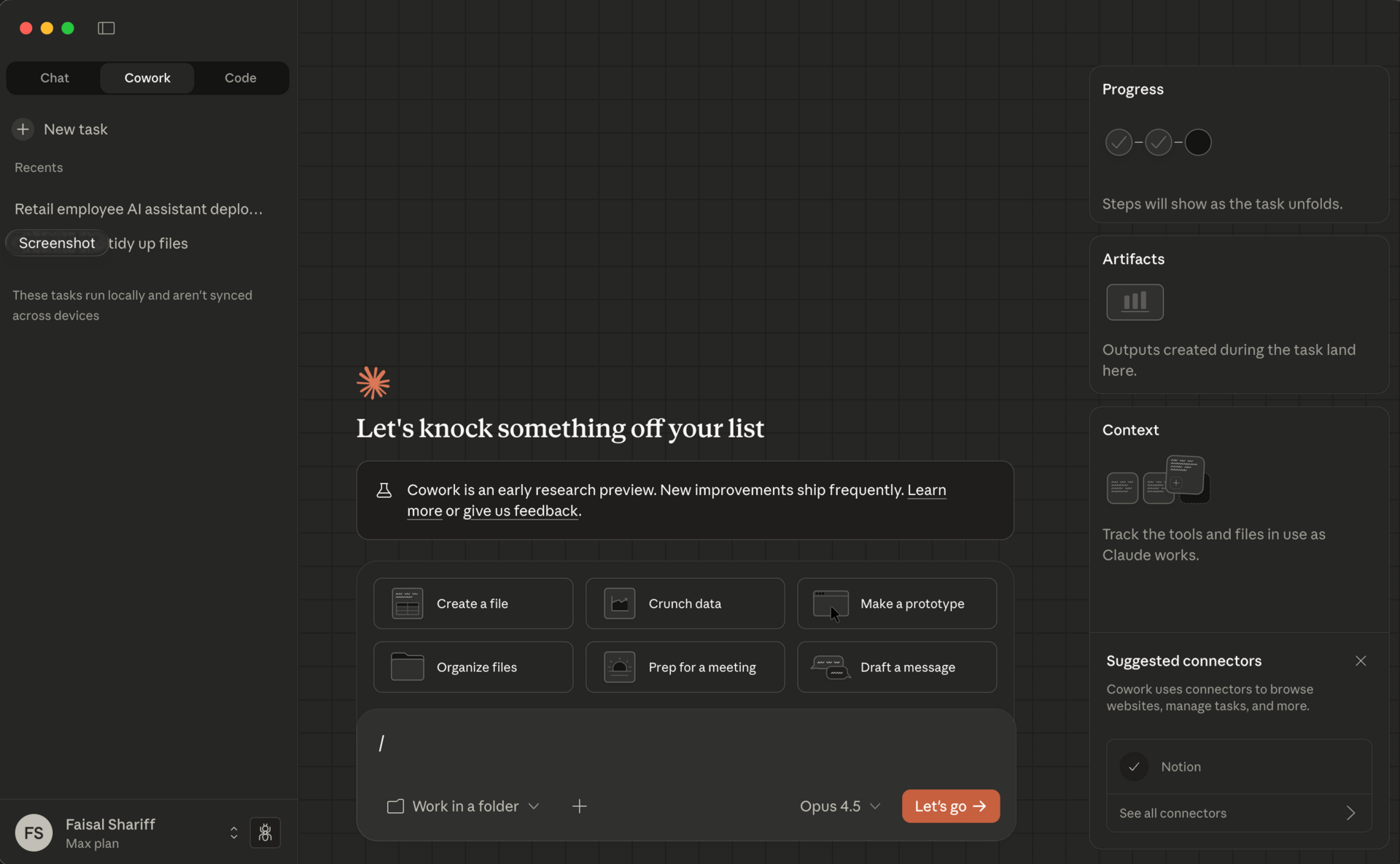
If you read last week's piece, you already have the core skill: knowing what "done" looks like, providing context, breaking work into clear tasks. That's management. Cowork just removes the terminal as the barrier.
The Queue Changes Everything
Here's what’s really important: you can stack multiple tasks.
Not "finish one, start another." Stack them. Queue up five tasks before your first meeting. Run 3-8 instances simultaneously. Come back to finished work.
I showed this to a few colleagues last week. I pointed Cowork at a folder of meeting notes and queued: extract the key decisions - create an Excel tracker with owners and deadlines - draft the follow-up email with the tracker attached.
Three actual files, saved to my desktop, while I did chores (when will Ai do those…). In chat, that's copy-paste, format, copy-paste, format, attach. Here, it just... runs.
The reaction was immediate. "Wait, it just does all of that?"
What This Looks Like in Practice
Let me show you something concrete.
Say you need to get smart on a decision fast. Your retail business is evaluating whether to pilot AI agents for store operations. You have a leadership meeting in two days. Normally this is a week of scattered research and late nights formatting slides.
Here's what I queued in Cowork one morning:
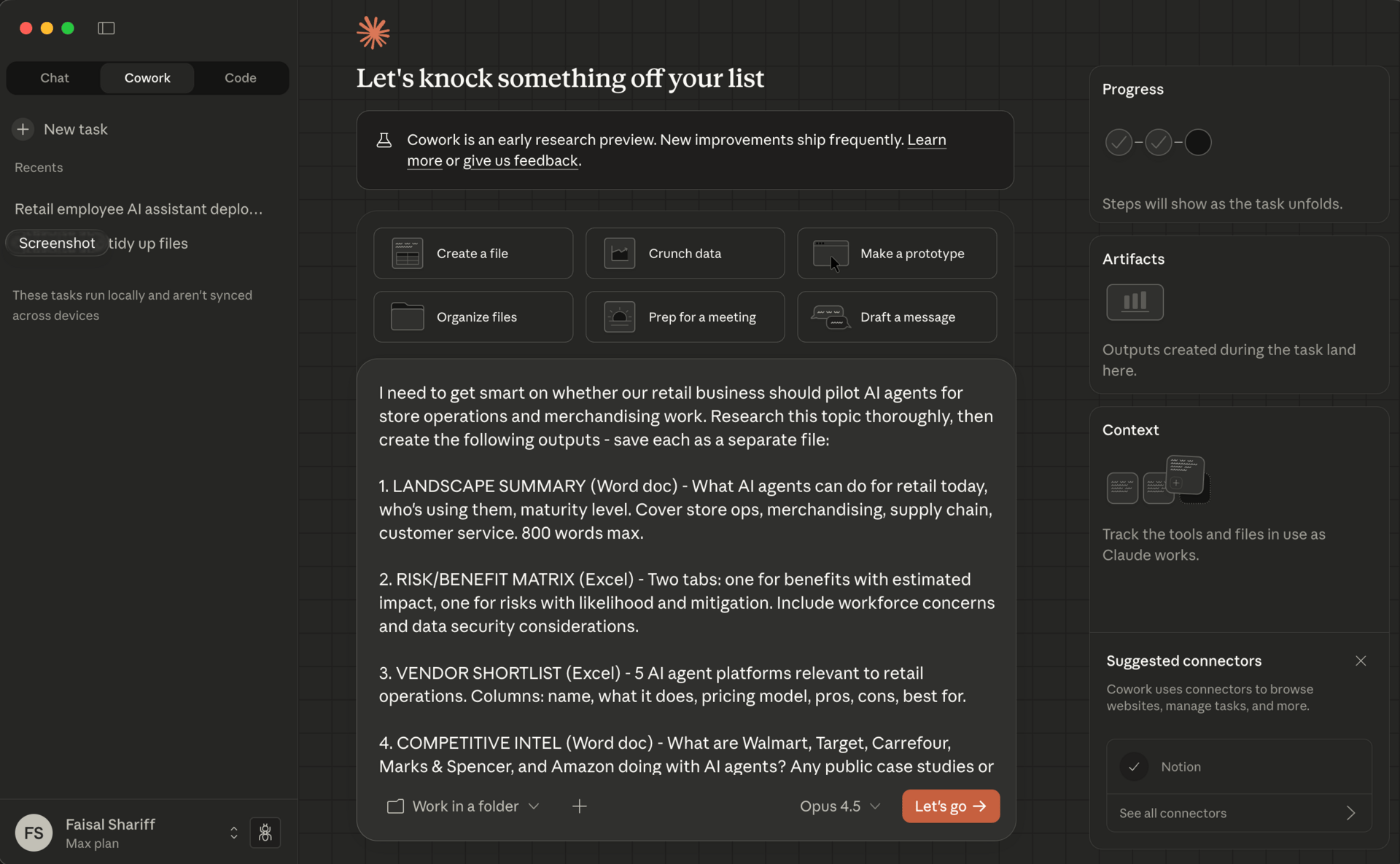
The prompt I submitted
One prompt. But crucially, I’m asking for ten independent tasks/outputs:
Landscape summary - What AI agents can do for retail today, who's using them
Risk/benefit matrix - Excel with two tabs, estimated impact, mitigations
Vendor shortlist - 5 platforms with pricing, pros, cons
Competitive intel - What Walmart, Target, Carrefour, M&S are doing
Recommendation memo - Clear position, three reasons, next step
90-day pilot proposal - Scope, timeline, budget, success metrics
Stakeholder email - Ready to send, requesting discussion
FAQ document - 10 questions leadership will ask, with answers
One-slide summary - The meeting visual
Implementation checklist - First 30 days if we say yes
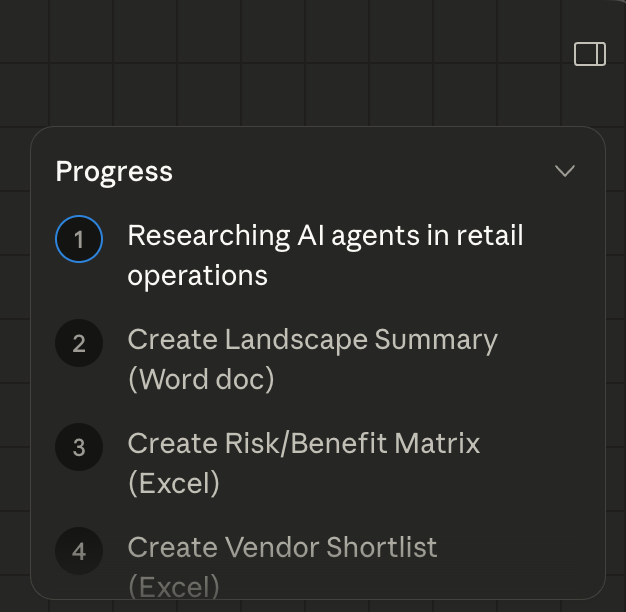 In progress as it works through | I walked away. Hit the gym. Made coffee. Came back to a decision package that would have taken me two days to assemble manually. |
This is how work is changing. It's delegation at scale. The same research I'd have done anyway, but multiplied into every format I need simultaneously.
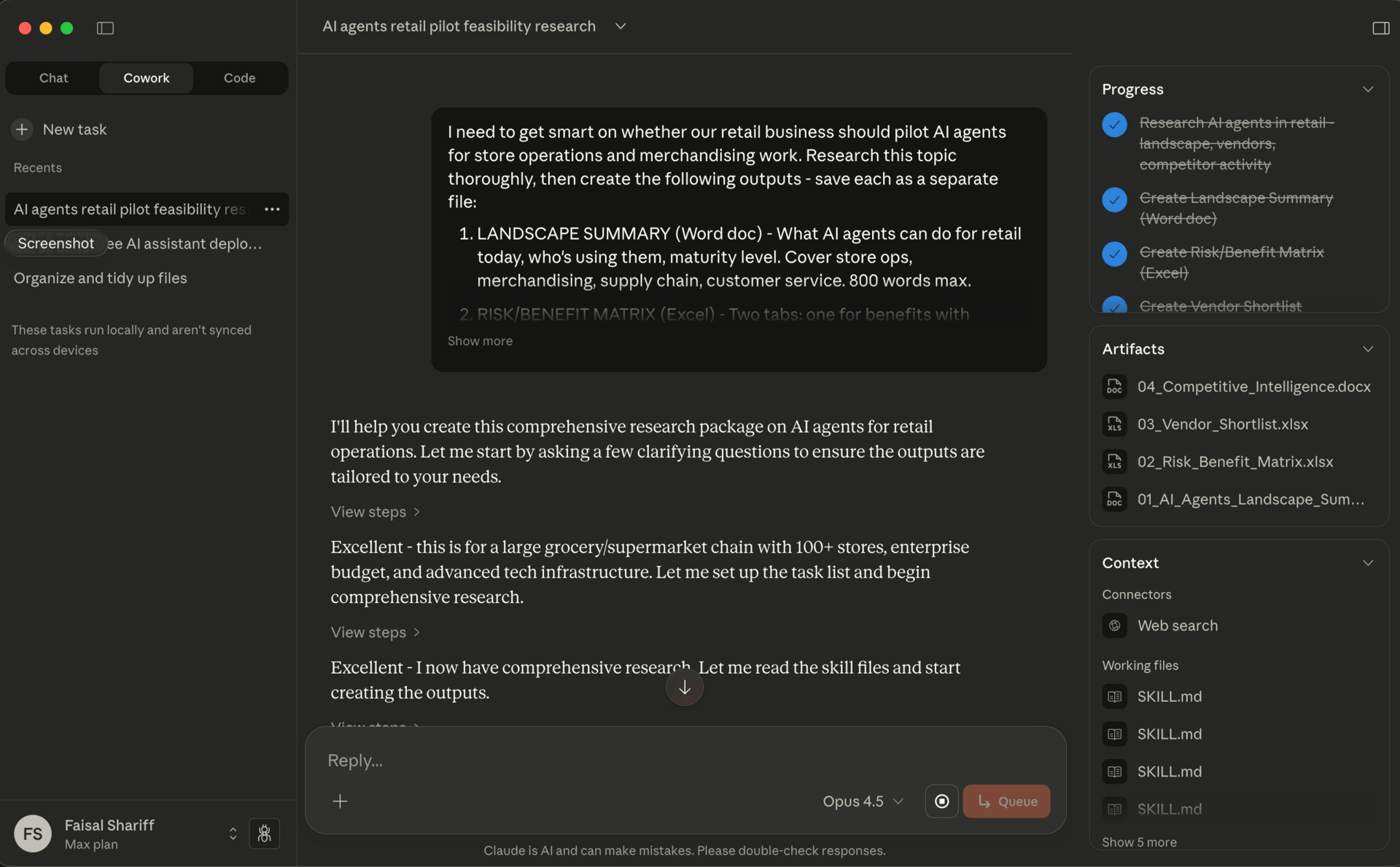
Progress showing complete on the right, artefacts also listed
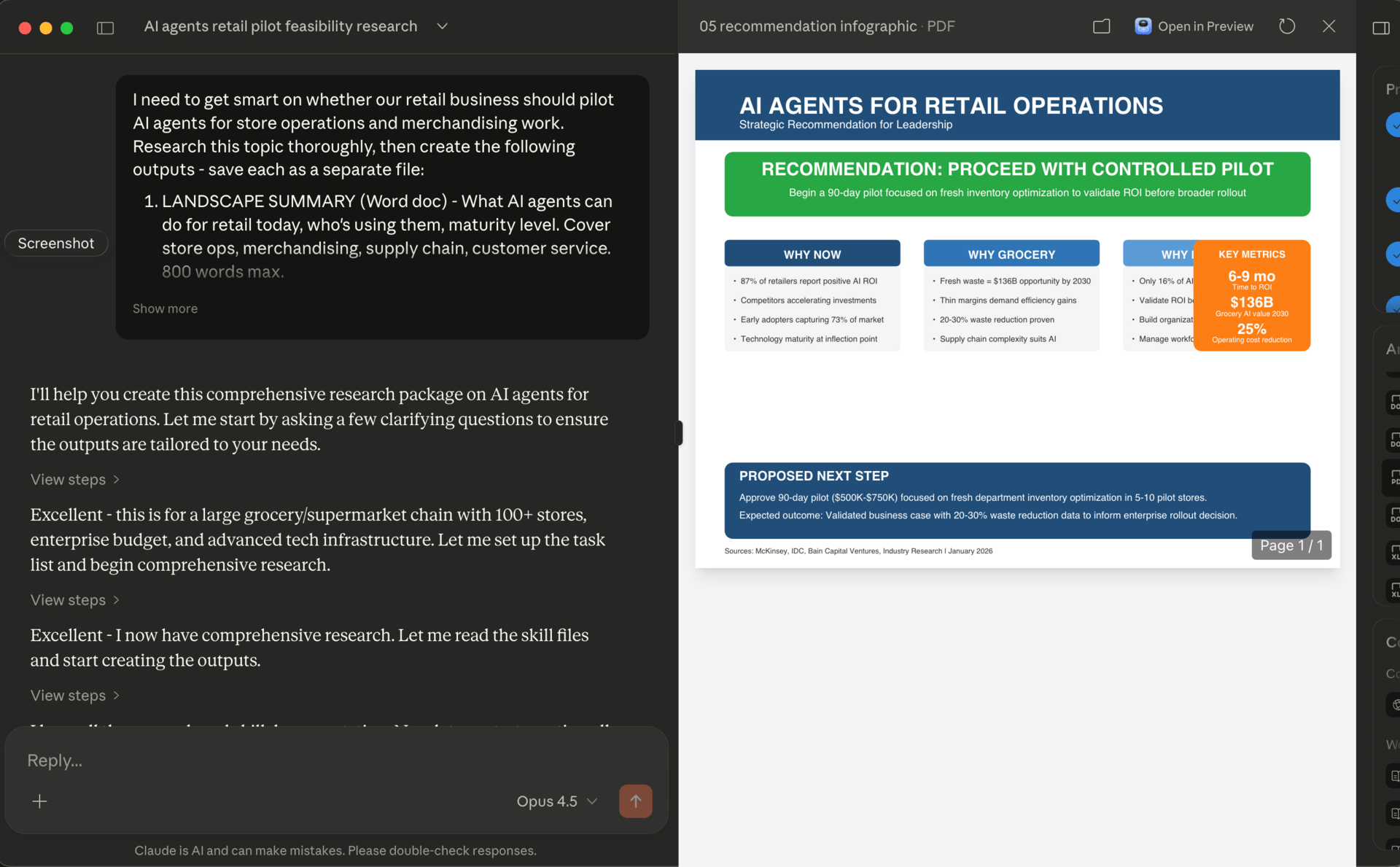
The outputs? Thorough. The research was solid, the Word docs were ready to use, the FAQ anticipated the right questions. The slides and infographics were clumsy (below) - functional, but you wouldn't put them in front of a board without cleanup.
Anthropic built this in a week and a half and called it a research preview for a reason. The potential is obvious. The polish will come.
Getting Started
Download the Claude Desktop app. Click "Cowork" in the sidebar.
Don't give it access to your entire Documents folder. Create a fresh "Claude-Work" folder. This is its workspace. Keep important files backed up - it can edit and delete anything in that folder.
Pick one decision you need to make this week. Something where you'd normally spend hours gathering information and formatting outputs. Write a prompt that specifies:
What you need to understand
Every output format you need (docs, spreadsheets, slides)
Who the audience is for each output
Queue it. Walk away. Do the shopping. Come back in 20 minutes.
The Trade-offs
Cowork is available on Claude Pro ($20/month) and Max plans. It's Mac only for now, with Windows coming. It's a research preview - Anthropic built this in a week and a half, and there are rough edges.
If you're already comfortable with Claude Code, Cowork adds a friendlier interface but you're not missing capabilities. If you've been avoiding Claude Code because of the terminal, this is your entry point.
The skills you build here transfer. Your CLAUDE.md files work in both. Start in Cowork, graduate to Claude Code if you need more power. Or don't - most knowledge work fits fine in Cowork.
What This Signals
The chatbot era is ending. Not because chat interfaces disappear, but because the relationship changes. We're moving from "ask and receive" to "delegate and review."
The skill that matters now isn't prompting. It's knowing what done looks like, providing context, and trusting the system to execute while you do something else.
Last week was about building a system that remembers. This week is about putting that system to work.
Your Monday morning task: Pick one decision. Write one prompt. Queue ten outputs. See what comes back.
What are you delegating to Cowork? Reply and tell me - I'm collecting use cases for a future issue.
Your first AI employee doesn't need onboarding. It needs clear instructions and permission to run. Start there. If you need help, reply to this email. Always happy to chat. See you next week. Faisal |  |
P.S. Know someone else who’d benefit from this? Share this issue with them.
Received this from a friend? Subscribe below.
The Atomic Builder is written by Faisal Shariff and powered by Atomic Theory Consulting Ltd — helping organisations put AI transformation into practice.